PNG to JPEG Converter
Drag & Drop PNG Images
or click to browse
Convert PNG to JPG for Free Online
Did you know millions of images are shared online every day? A lot of them need to be changed to fit different formats. For example, converting PNG to JPG is something many people do.
Thanks to online tools, changing file formats is now easy and free. Sites like lsbtools.com have a Free PNG to JPG Converter Online. They let you upload your files and get the new versions in seconds.
Key Takeaways
- Easy conversion of PNG to JPG using online tools.
- No need for software installation or technical expertise.
- Fast processing times for quick downloads.
- Compatibility with various image file formats.
- Accessibility from any device with an internet connection.
Understanding PNG and JPG Formats
To make your images work better for different uses, knowing the difference between PNG and JPG is key. These formats are common online, each with its strengths, and when to use them.
Key Differences Between PNG and JPG
PNG (Portable Network Graphics) keeps image details sharp, perfect for logos and icons that need to show up clearly. JPG (Joint Photographic Experts Group), on the other hand, is great for photos and detailed images. The main difference is how they handle image data and the quality they offer.
When to Use JPG Instead of PNG
Switching from PNG to JPG is smart for images without transparency, like photos. JPG files are smaller and work well on many platforms, making them perfect for the web.
Tools make this easy, ensuring your images are ready for their purpose.
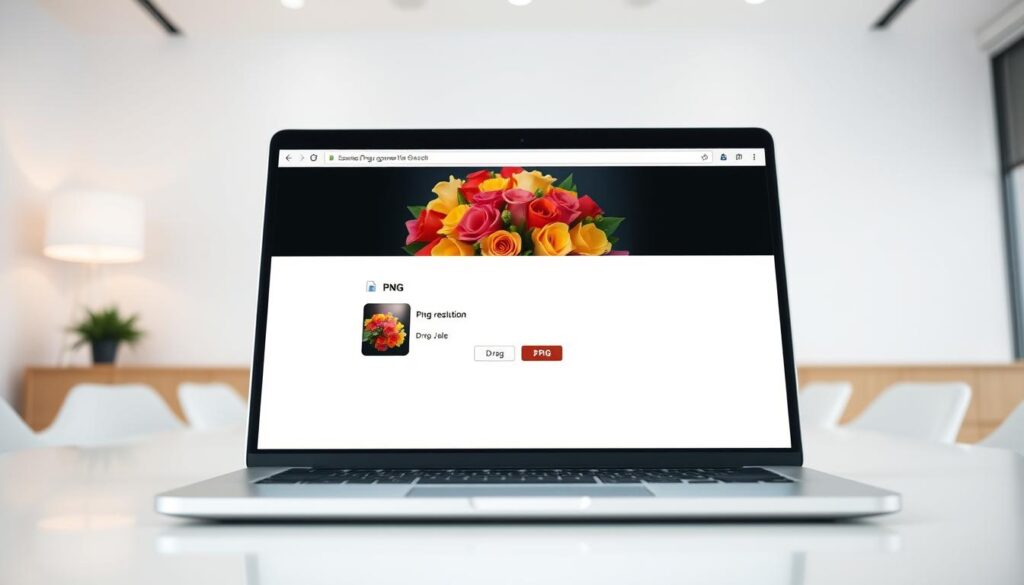
Free PNG to JPG Converter Online: How lsbtools.com Works
The lsbtools.com PNG to JPG converter is easy to use. It helps people quickly change PNG images to JPG without losing quality. It’s great for those who need to switch image formats for web design or digital media.
Features of lsbtools.com PNG to JPG Converter
lsbtools.com’s converter has some cool features. It lets you convert many PNG files to JPG at once. This saves a lot of time. You can also resize and compress images to get the perfect look.
Benefits of Using an Online Converter
Using an online PNG to JPG converter like lsbtools.com is super convenient. You don’t need to download or install anything. It’s also free to use, which is a big plus.
Security and Privacy Considerations
lsbtools.com cares a lot about your security and privacy. They make sure your images are processed safely and not kept for too long. This keeps your data safe, which is very important.
Step-by-Step Guide to Convert PNG to JPG
Changing PNG files to JPG is now easy with online converters. It takes just a few minutes to do. Follow these simple steps.
Uploading Your PNG Image
First, upload your PNG image to the converter. Click the “Upload” button and pick your file. Make sure your PNG file is ready to avoid delays.
Adjusting Conversion Settings
After uploading, you can tweak settings. Choose JPG as the output format and set the quality. Changing the quality affects file size and image quality.
Resizing and Compressing Options
Online converters also let you resize and compress images. Resizing changes the image size, while compressing reduces the file size. These options help optimize JPGs for the web.
Downloading Your Converted JPG File
After setting your options, start the conversion. Once done, download your JPG file. Check the file before downloading to make sure it’s right.
Batch Converting Multiple PNG Files
If you need to convert many PNG files, batch conversion is great. It lets you upload and convert multiple files at once. Batch conversion saves time and boosts productivity.
Conclusion: Making the Most of Your Image Conversions
Converting PNG to JPG makes images perfect for printing and the web. It fixes transparency problems. lsbtools.com offers a free online converter that makes it easy.
Using a PNG to JPG converter opens up more ways to use your images. JPGs are easy to share and upload everywhere. lsbtools.com makes converting simple and quick.
For any use, converting PNG to JPG with lsbtools.com ensures your images are ready. Discover how a free online converter can make your life easier.
FAQ
What is the main difference between PNG and JPG image formats?
PNG is a lossless format that supports transparency. JPG is a lossy format without transparency, but it is more compressed. They serve different purposes.
Why would I need to convert PNG to JPG?
You might convert PNG to JPG if your images don’t need transparency. Or if you’re using images in places that only support JPG, like print media.
Is it safe to use an online PNG to JPG converter?
Yes, it’s safe to use online converters like lsbtools.com. They protect your privacy and don’t store your files after conversion.
Can I convert multiple PNG files to JPG at once?
Yes, lsbtools.com lets you convert many PNG files to JPG at once. This saves you time and effort.
Can I resize or compress my images during the conversion process?
Yes, lsbtools.com’s converter lets you resize and compress images. This gives you control over the quality and size of your files.
Are there any limitations to using a free online PNG to JPG converter?
Free online converters might have limits like file size restrictions or watermarked outputs. But lsbtools.com offers a simple conversion without these issues.
How do I know if the converted JPG file is of good quality?
The quality of your JPG file depends on the conversion settings. lsbtools.com lets you adjust compression levels. This way, you can get the right balance between quality and file size.